Four study modes
Time study with a fixed step sequence, video study, a simple stopwatch with laps and a step timer for any order.
CycleScope turns your Android phone or iPhone into a time study stopwatch. Define the work steps, measure them hands-free with the volume keys or from a video, and get the real cycle time – from a single workstation up to a whole production line.
Type one work step per line – or hold the button and simply dictate them.
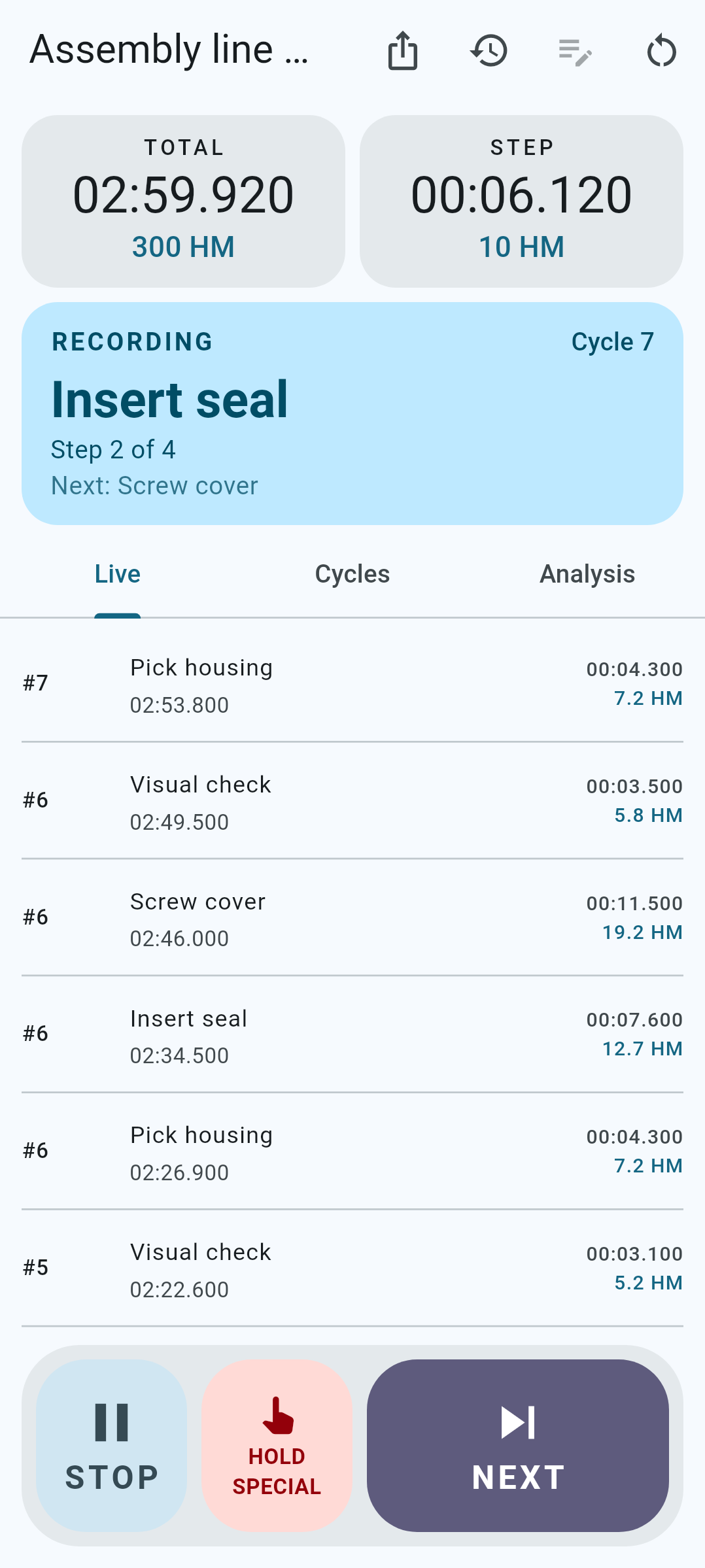
Start the recording and press volume up at every step change. Your eyes stay on the operator, not on the screen.
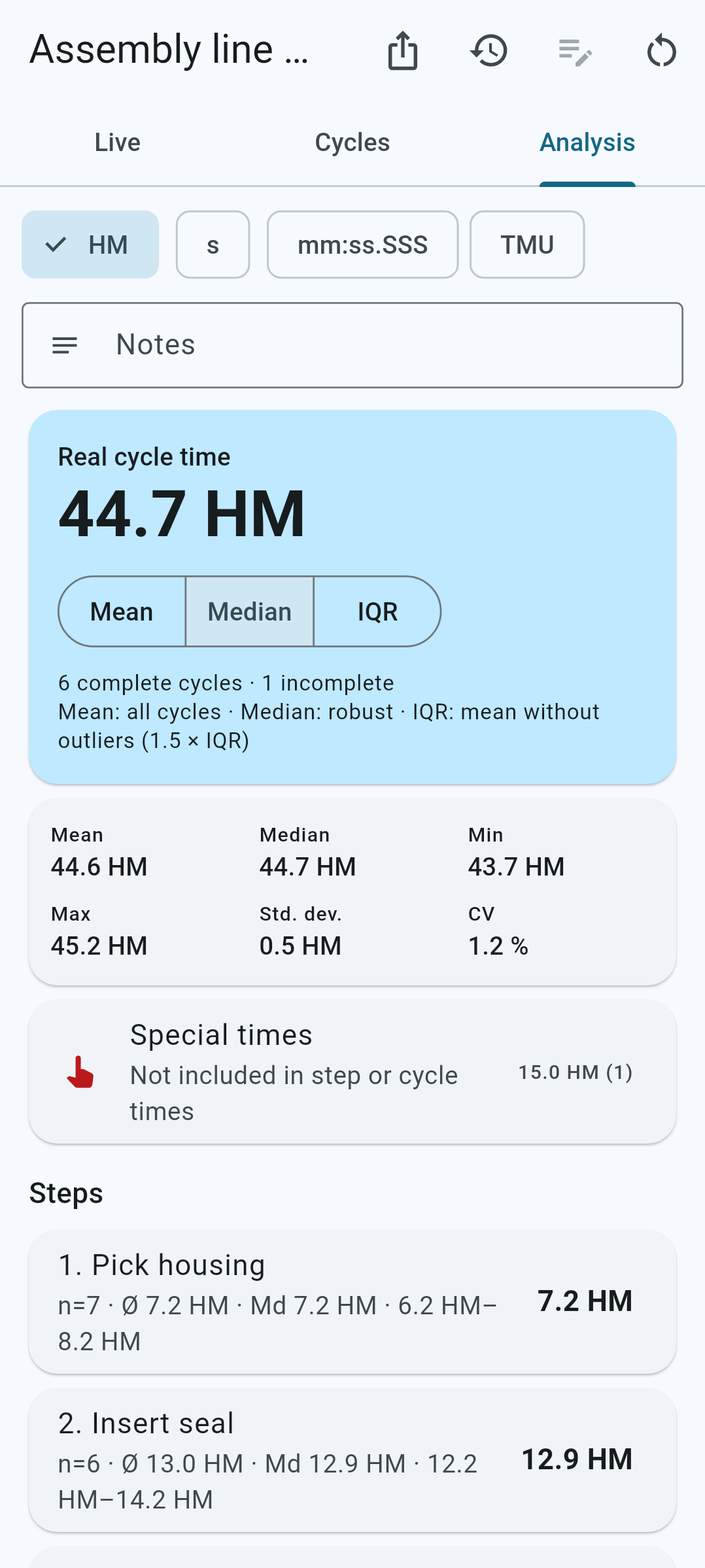
Mean, median, spread and the real cycle time per step and cycle – exported as PDF, Excel or CSV.
No tapping on glass while you watch the line. The current step is always shown in large type, and the recording keeps running in the background, with the screen off and even after an app restart.
Time study with a fixed step sequence, video study, a simple stopwatch with laps and a step timer for any order.
Import a video, play it at 0.25× to 2×, step frame by frame and set markers on a smooth timeline.
Sum, mean, median, min/max and spread. Real cycle time by mean, median or IQR without outliers – in HM, seconds, mm:ss.SSS or TMU.
Delete cycles or single times, rename and reorder steps, add notes – later, at your desk.
Measure a study again a year later. Earlier rounds are archived and the deviation per step is shown.
CSV, Excel and PDF per study, linked reports for a whole line, and a complete backup in one file.
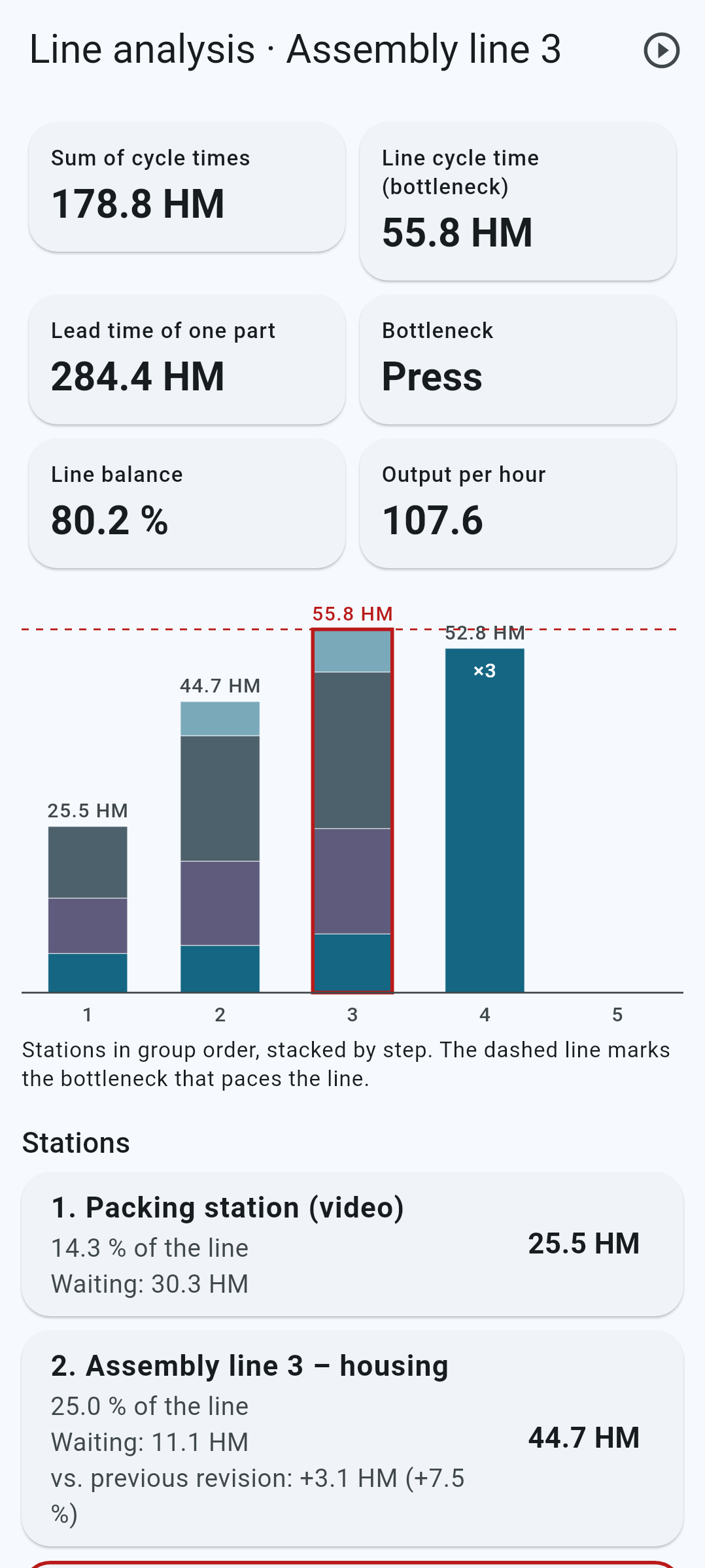
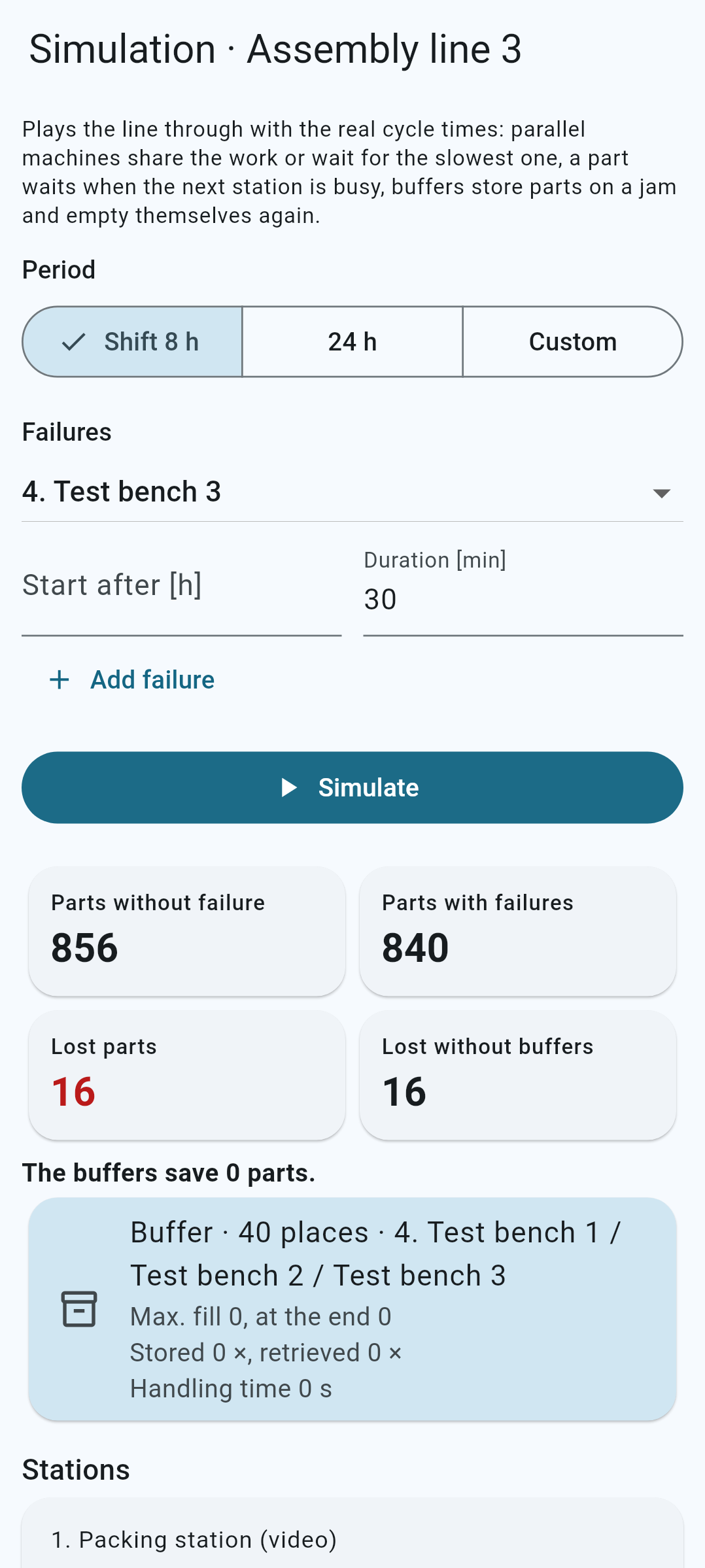
Group your studies into a production line and CycleScope shows where it really hurts.
CycleScope has no internet access. Studies, times and videos live only in the app’s private storage – backups and exports exist only when you create them.
CycleScope is free and open source. Get it on the App Store for iPhone and iPad, or the latest signed APK for Android from the GitHub releases.